

There is a massive misconception that once you commit to an iPhone, you are essentially signing a blood pact with the Apple Watch. You see it everywhere. People assume that because they have the phone, any other wearable will be a buggy, disconnected mess that refuses to talk to their Health app. I used to think the same thing. I figured that straying outside the walled garden would mean losing all my data or missing every important text message while I was out for a run. But after years of testing everything from high-end Garmins to sleek Oura rings alongside my iPhone, I can tell you that the ‘Apple-only’ rule is a total myth. Your iPhone is actually a remarkably open partner for fitness data, provided you know which brands actually play nice with iOS.
Choosing the right watch isn’t about matching the logo on the back of your phone; it is about matching the device to your actual lifestyle. If you are someone who hits the gym three times a week and wants to see your heart rate while you’re on the treadmill, your needs are worlds apart from the person training for their third ultramarathon. And honestly? Sometimes the Apple Watch is the worst choice for specific types of athletes. It’s a brilliant smartwatch, sure, but it’s not always the best fitness tool. We need to look at the hardware, the software ecosystem, and the reality of living with these things on your wrist 24/7.
Why you do not necessarily need an Apple Watch for your iPhone
The first thing we have to talk about is the Apple Health app. This is the central nervous system of your fitness data on iOS. The beauty of it is that almost every major fitness brand—Garmin, Fitbit, Withings, Strava—has permission to write data into this app. When you finish a workout on a Garmin watch, the Garmin Connect app sends that data straight to Apple Health. Your rings close. Your steps update. Your sleep data populates. You aren’t losing anything by choosing a different brand. In fact, you might be gaining a much more specialized set of metrics that Apple hasn’t quite mastered yet.
But there are trade-offs. The Apple Watch has a level of ‘system-level’ integration that no one else can touch. This means things like being able to respond to a text message directly from your wrist using a tiny keyboard or Siri. On a Garmin or a Fitbit paired with an iPhone, you can see the notification, but you cannot reply to it. Apple keeps that specific API locked down for its own hardware. If you are the kind of person who needs to stay connected to work or family without pulling your phone out of your pocket, this might be a dealbreaker. But if you view your workout as a time to disconnect, that ‘limitation’ actually becomes a feature. It’s all about perspective.
Understanding the Walled Garden vs. Open Ecosystems
When you buy an Apple Watch from a major retailer like Currys or John Lewis (both accessible through retail partners), you are buying into a seamless experience. The setup takes thirty seconds. Your apps are already there. But the open ecosystem of third-party trackers offers something Apple doesn’t: variety in form and function. For instance, if you prefer a watch that looks like a classic timepiece, brands like Withings offer hybrid watches that sync perfectly with iOS but don’t look like a glowing rectangle on your arm. The iPhone is the hub, but the spokes can come from anywhere.
Battery Life: The Elephant in the Room
This is where the ‘Apple-only’ argument usually falls apart. If you are an active person who likes to go camping for the weekend or simply hates the ritual of daily charging, the Apple Watch is a tough sell. Most standard Apple Watches (Series 9, SE) will give you about 18 to 24 hours of use. That is it. If you track a long GPS workout, you might find yourself charging it before dinner. Compare that to a Garmin or a Coros, which can easily last two weeks on a single charge. When I moved from an Apple Watch to a Garmin Forerunner for a few months, the lack of ‘battery anxiety’ was the single biggest improvement to my daily life. I stopped thinking about my watch as a piece of tech that might die and started thinking about it as a reliable tool.
Comparing the Apple Watch Series 9, Ultra 2, and Garmin alternatives
If you have decided that you want the best of the best, you are likely looking at the heavy hitters. Currently, the Apple Watch Series 9 is the default choice for most people. It starts at approximately £399. It features the new S9 chip, which makes the interface incredibly snappy, and the ‘Double Tap’ gesture which lets you answer calls or stop timers by tapping your index finger and thumb together. It is a marvel of engineering. But, as I mentioned, the battery life is the Achilles’ heel. It’s perfect for the office worker who goes to the gym and wants to pay for their coffee with Apple Pay, but it might feel fragile for someone doing obstacle course races or deep-sea diving.
Then there is the Apple Watch Ultra 2. This is Apple’s attempt to win over the hardcore outdoor crowd. It costs around £799 and offers a much bigger battery (up to 36 hours), a titanium case, and a flat sapphire crystal screen that can take a beating. It also has a dedicated ‘Action Button’ that you can program to start a workout instantly. If you want a cellular model, you can often find great deals through telecom providers like EE or O2, which allow you to share your iPhone’s data plan with the watch. This is the only Apple Watch I would recommend to someone who is serious about hiking or long-distance cycling.
| Feature | Apple Watch Series 9 | Apple Watch Ultra 2 | Garmin Forerunner 265 |
|---|---|---|---|
| Price (Approx) | £399 | £799 | £429 |
| Battery Life | 18-24 Hours | 36-72 Hours | Up to 13 Days |
| Display | OLED (2000 nits) | OLED (3000 nits) | AMOLED |
| Best For | Daily Smart Use | Rugged Adventure | Serious Runners |
The Case for Garmin on iOS
The Garmin Forerunner 265 is arguably the best fitness watch for iPhone users who care more about their PRs than their pings. At roughly £429, it offers a stunning AMOLED screen that rivals Apple’s, but with a battery that lasts nearly two weeks. The real ‘pro’ here is the data. Garmin provides ‘Training Readiness’ scores, ‘Body Battery’ metrics, and suggested daily workouts based on your recovery. Apple’s health data is accurate, but it doesn’t tell you what to do with it. Garmin acts like a coach. The ‘con’? You can’t use it to send a text, and the interface, while functional, isn’t as ‘pretty’ as watchOS.
Pro tip: If you are buying a Garmin to use with your iPhone, make sure you download the Garmin Connect app first. It’s the gateway that allows the watch to sync with Apple Health. Without it, your watch is just a very expensive paperweight that tells the time.
Why the Apple Watch SE is still a contender
We shouldn’t ignore the Apple Watch SE (2nd Gen). It sits at a much more palatable price point of around £219. You lose the Always-On display and some of the more advanced health sensors like the ECG or blood oxygen monitoring. But if you just want a watch that tracks your runs, plays your podcasts, and lets you use Apple Pay at the station, it is the best value for money in the entire Apple ecosystem. It’s the ‘sensible’ choice for someone who wants the integration without the £800 price tag.
Best budget and specialist fitness trackers that sync with iOS
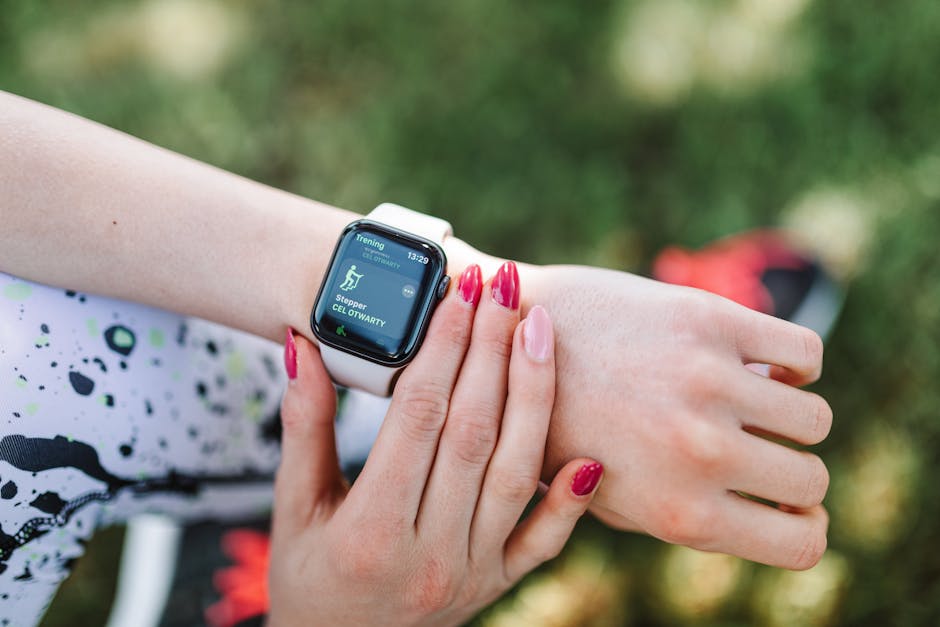
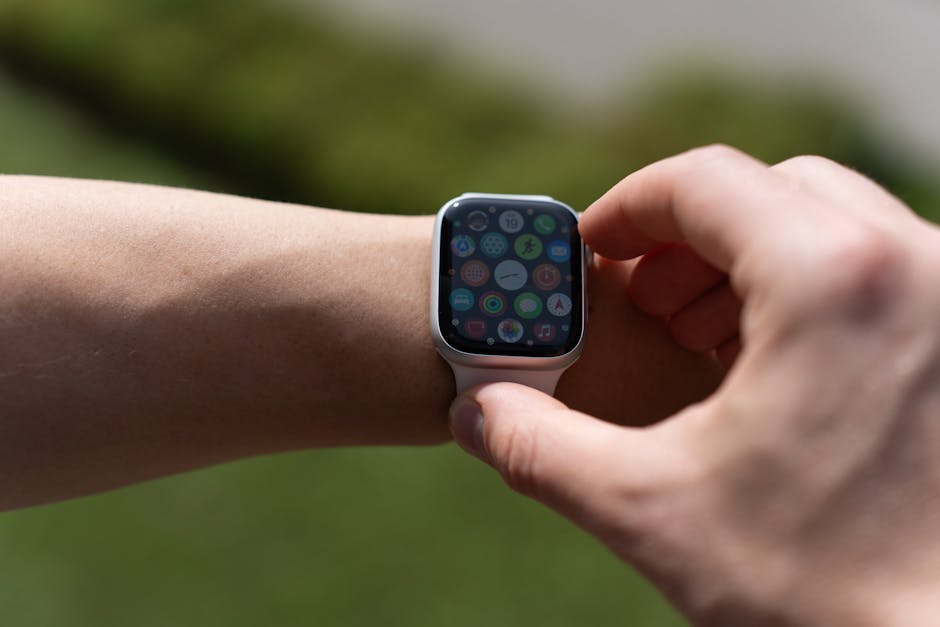
Not everyone wants a computer on their wrist. Some people find the constant notifications of a smartwatch to be a source of stress rather than a convenience. If that sounds like you, the Fitbit Charge 6 is a fantastic alternative. It’s a slim, unobtrusive band that costs about £139. It has built-in GPS, which is rare for a tracker this size, and it now integrates Google Maps and Google Wallet. The ‘pro’ here is the form factor; it’s so light you’ll forget you’re wearing it, and the sleep tracking is arguably more intuitive than Apple’s. The ‘con’ is that you now need a Google account to use it, and some of the deeper data is hidden behind a ‘Fitbit Premium’ subscription.
But what if you hate wearing a watch entirely? This is a growing trend. Many iPhone users are moving toward the Oura Ring Gen 3. It’s a smart ring that sits on your finger and tracks everything from heart rate variability (HRV) to body temperature. It’s incredible for recovery and sleep tracking. It syncs perfectly with Apple Health, so your ‘Mindful Minutes’ or sleep data will show up in your Health app every morning. It costs around £300 plus a monthly subscription, which is a bit of a sting, but for the person who wants data without the screen, it’s the gold standard. I’ve found it to be the perfect companion for someone who still wants to wear a nice mechanical watch on their other wrist.
Budget-Friendly Options Under £100
If you are on a strict budget, looking at the Huawei Band 8 or the Xiaomi Mi Band 8 is worth your time. These are incredibly cheap—often under £50 at retailers like Amazon or Argos. They sync with iPhone via their respective apps, and while the software isn’t as polished as Apple’s or Garmin’s, the hardware is surprisingly good. You get a bright screen, basic heart rate tracking, and about 10 days of battery life. Are they as accurate as a £400 watch? No. But for a casual walker or someone just starting their fitness journey, they are perfectly adequate.
The Importance of GPS Accuracy
When you’re looking at these cheaper alternatives, the biggest thing you sacrifice is GPS accuracy. High-end watches like the Apple Watch Ultra 2 or the Garmin Forerunner 265 use ‘Dual-Band’ GPS. This means they can talk to two different sets of satellites at once, which is vital if you run in cities with tall buildings or under heavy tree cover. Cheaper trackers often rely on your iPhone’s GPS (tethered GPS) or have weaker internal antennas. If your weekend hobby is trail running in the woods, spending the extra money on a device with reliable GPS is a safety issue as much as a performance one.
Ultimately, the best fitness watch for your iPhone is the one that you will actually wear every day. If you love the idea of a mini-iPhone on your wrist and don’t mind the daily charge, get the Apple Watch Series 9. It is the most cohesive experience available. But if you are training for a specific goal and need data that helps you improve, do not be afraid to look at Garmin. Your iPhone won’t mind, your Health app will still fill up with data, and you might find that a little bit of distance from the Apple ecosystem is exactly what your fitness routine needs. Check out the latest deals at Currys or your mobile provider to see which one fits your budget this month.
And remember, no matter which watch you choose, the most important ‘feature’ is the person wearing it. The watch can track the steps, but it can’t take them for you. Pick the tool that makes you want to get out the door, whether that’s because it has your favorite Spotify playlist or because it’s telling you that your recovery is finally in the green.
